![[LIZRROT Keyboard] LIZRROT Wireless Keyboard And Mouse | Silent Keyboard Mouse Combo, Full-Sized Colorful Typewriter Keyboard With Round Keycaps, 2.4G Cute Mouse - Compatible With PC/Laptop/Computer(Violet)](http://www.volt75.com/cdn/shop/files/4caca6b2-a0b1-4a19-9bb4-cd568930eee9.jpg?v=1766976637&width=600)


Volt
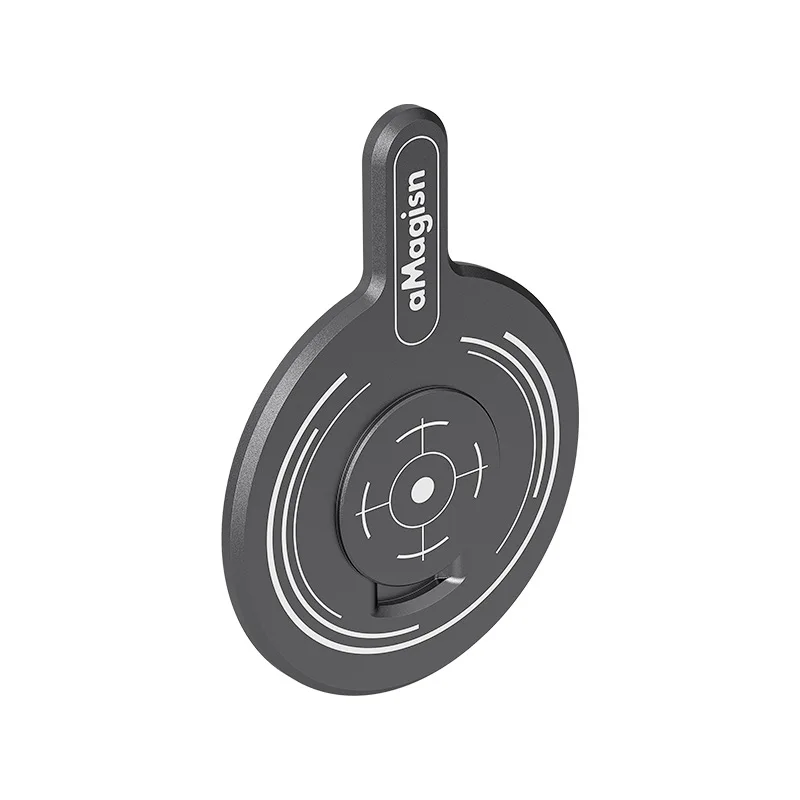
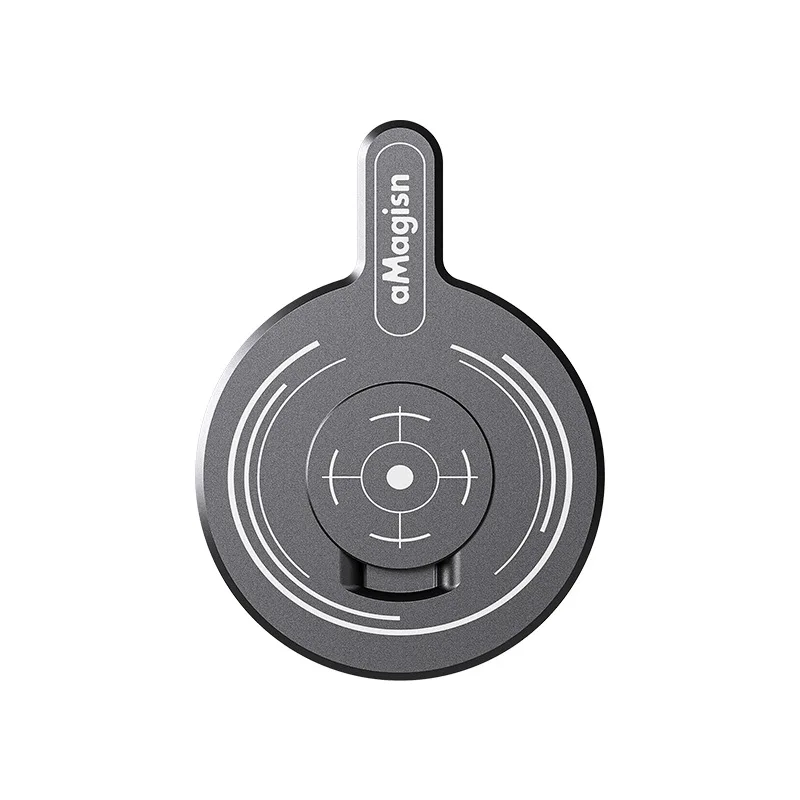
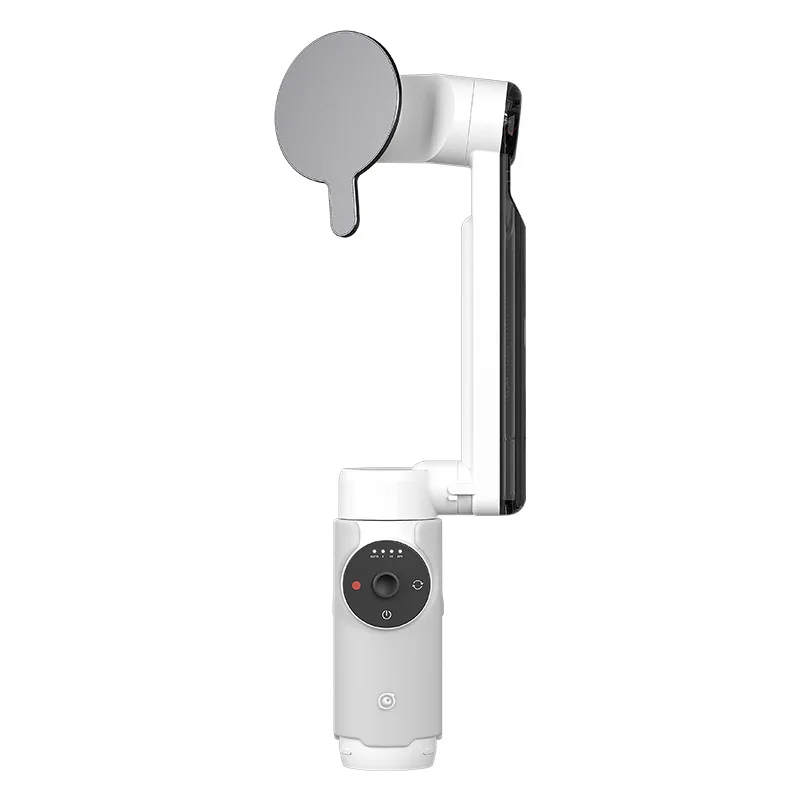
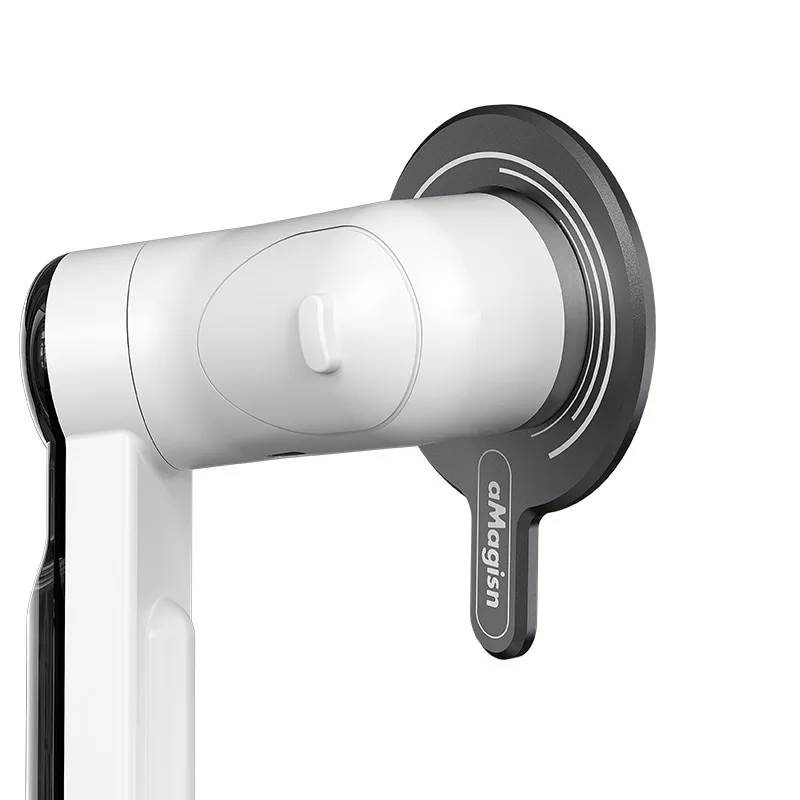
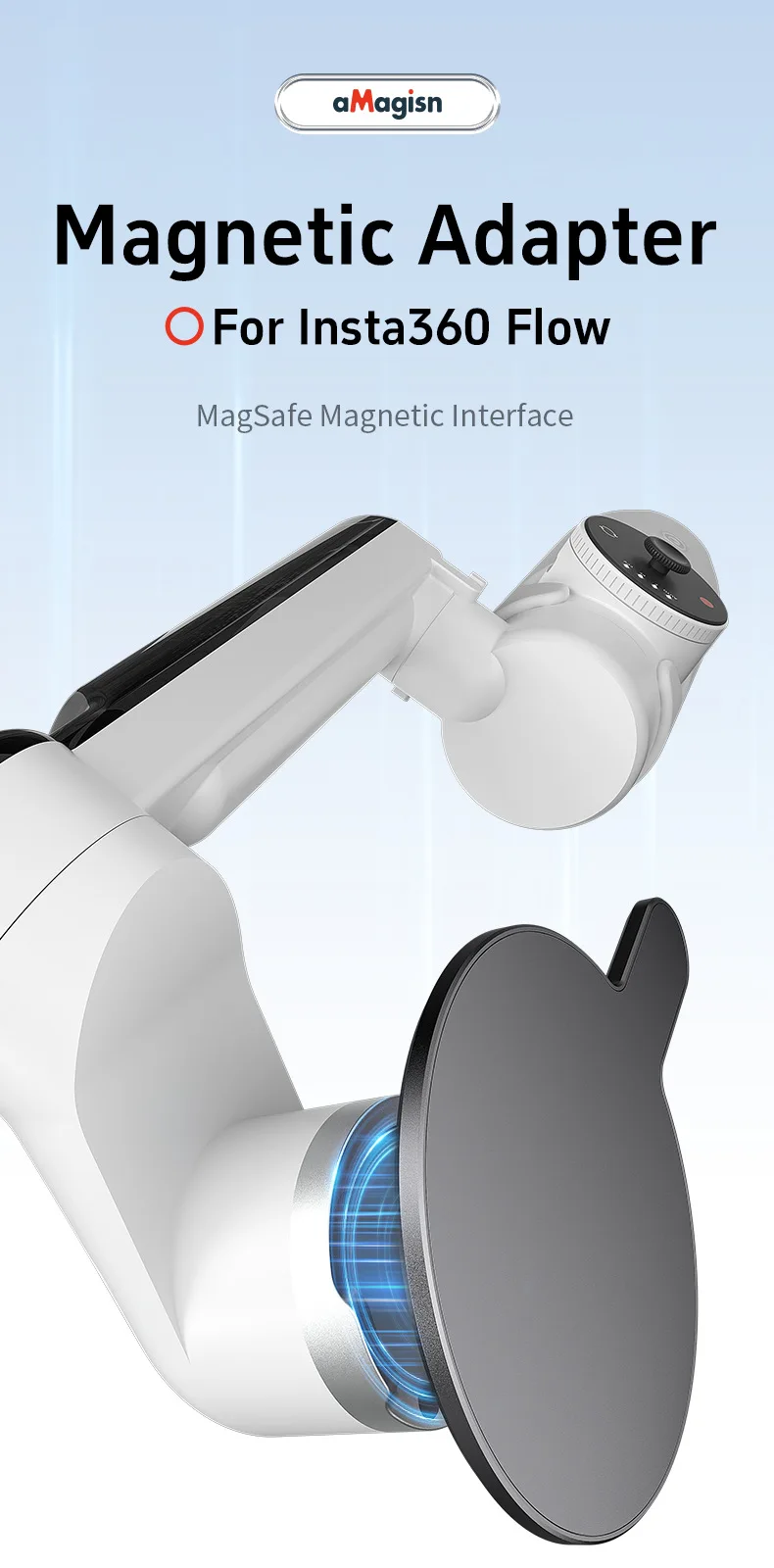
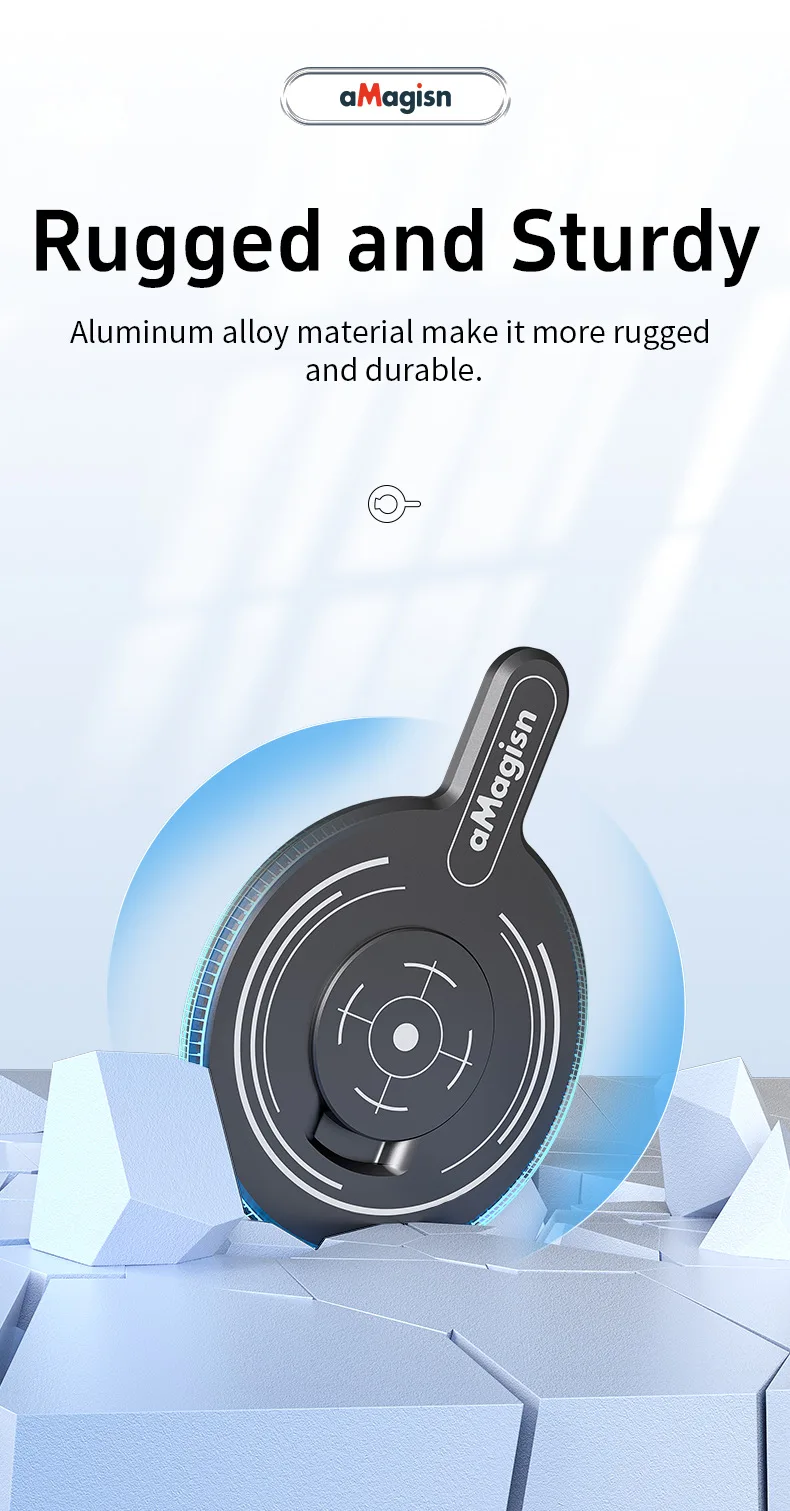
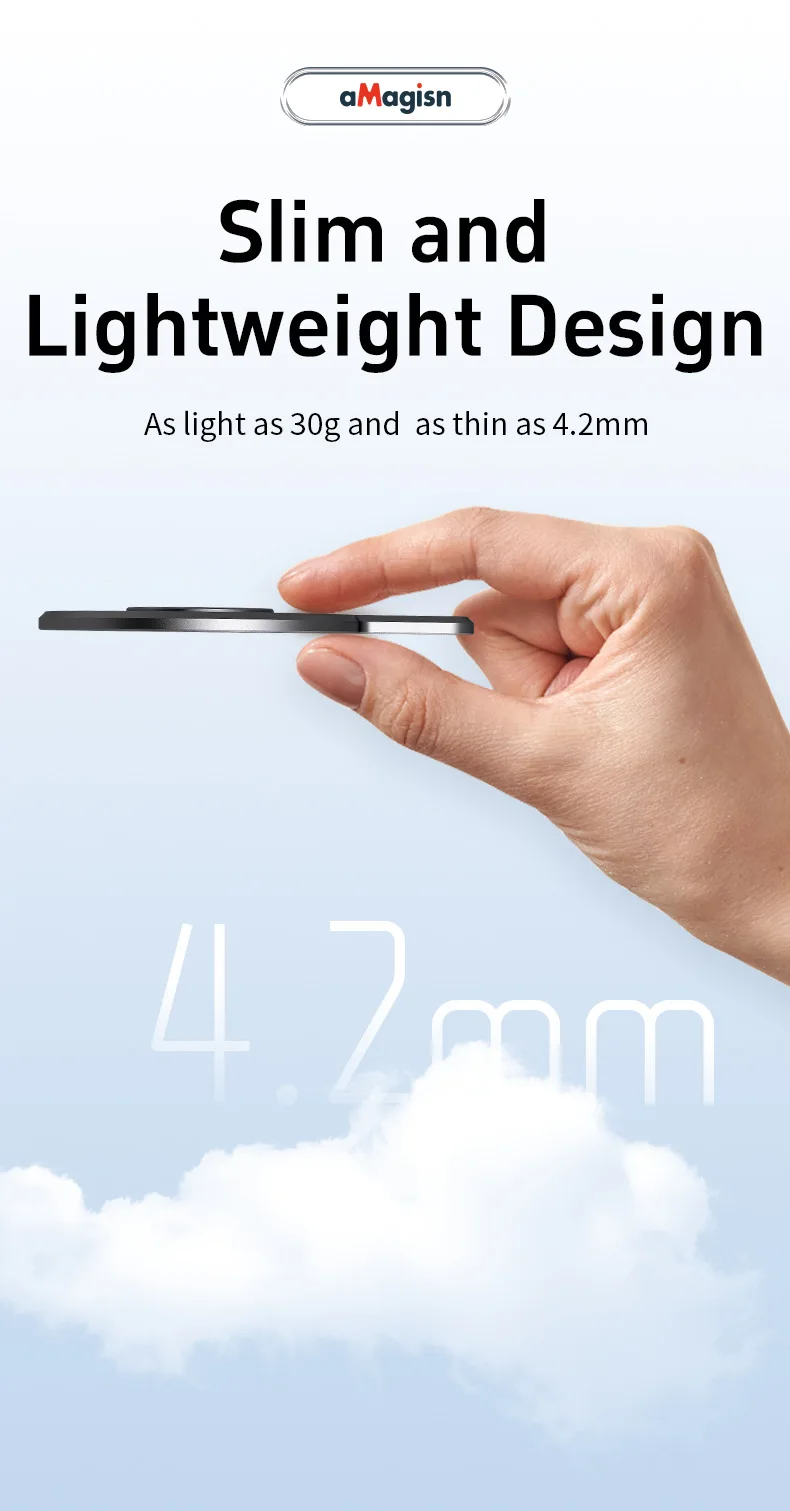
aMagisn for Insta360 Flow Powerful Magnetic Adapter for MagSafe Action Camera Magnetic Plate with Metal Ring Camera Accessories
aMagisn for Insta360 Flow Powerful Magnetic Adapter for MagSafe Action Camera Magnetic Plate with Metal Ring Camera Accessories
Couldn't load pickup availability
SPECIFICATIONS
Brand Name: Yinfonic
Choice: yes
Compatible Action Camera Brand: Insta360
High-concerned chemical: None
Material: aluminum
Model Number: AF03
Origin: Mainland China
Type: Action Camera Accessories Kits
semi_Choice: yes
Not for Insta360 Flow 2 Pro !!!
Magnetic Phone Mount
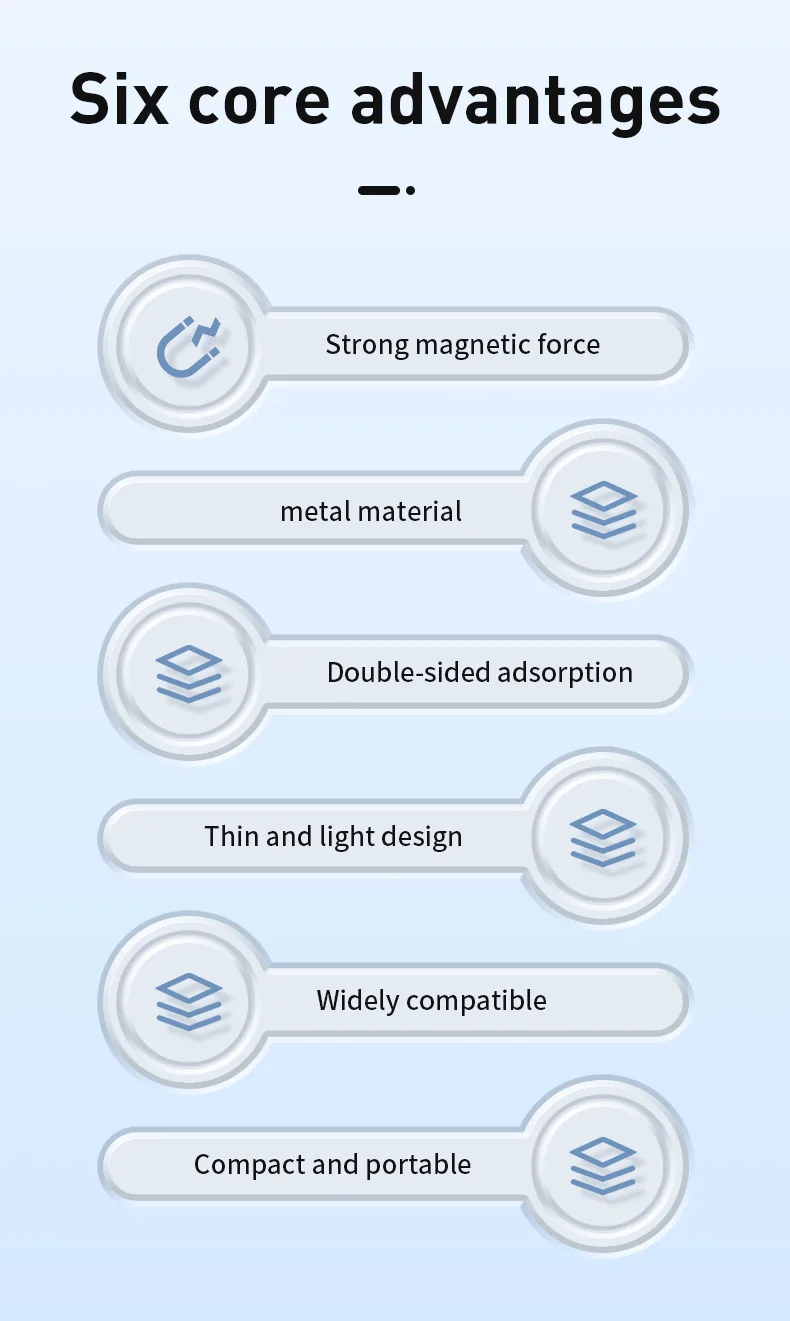
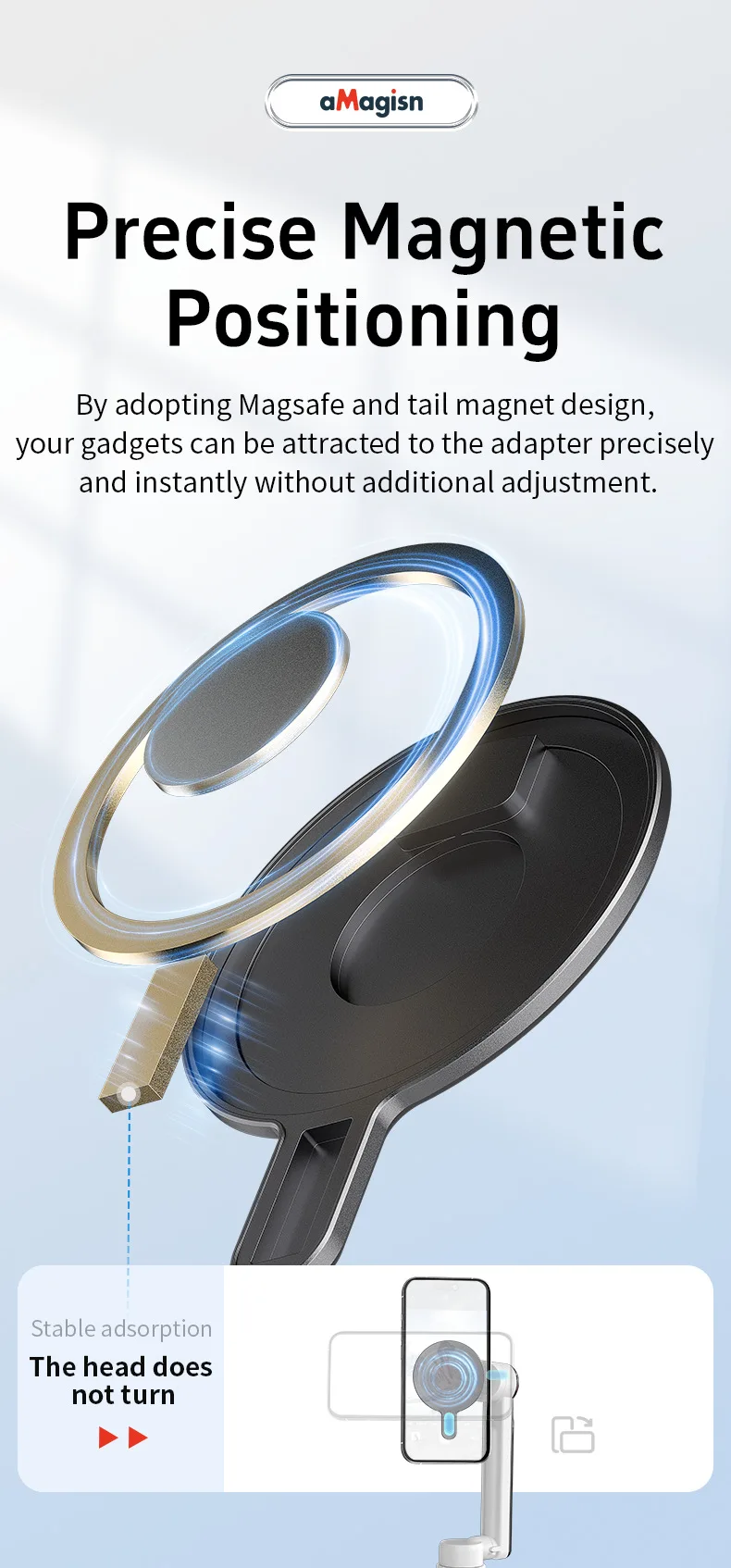
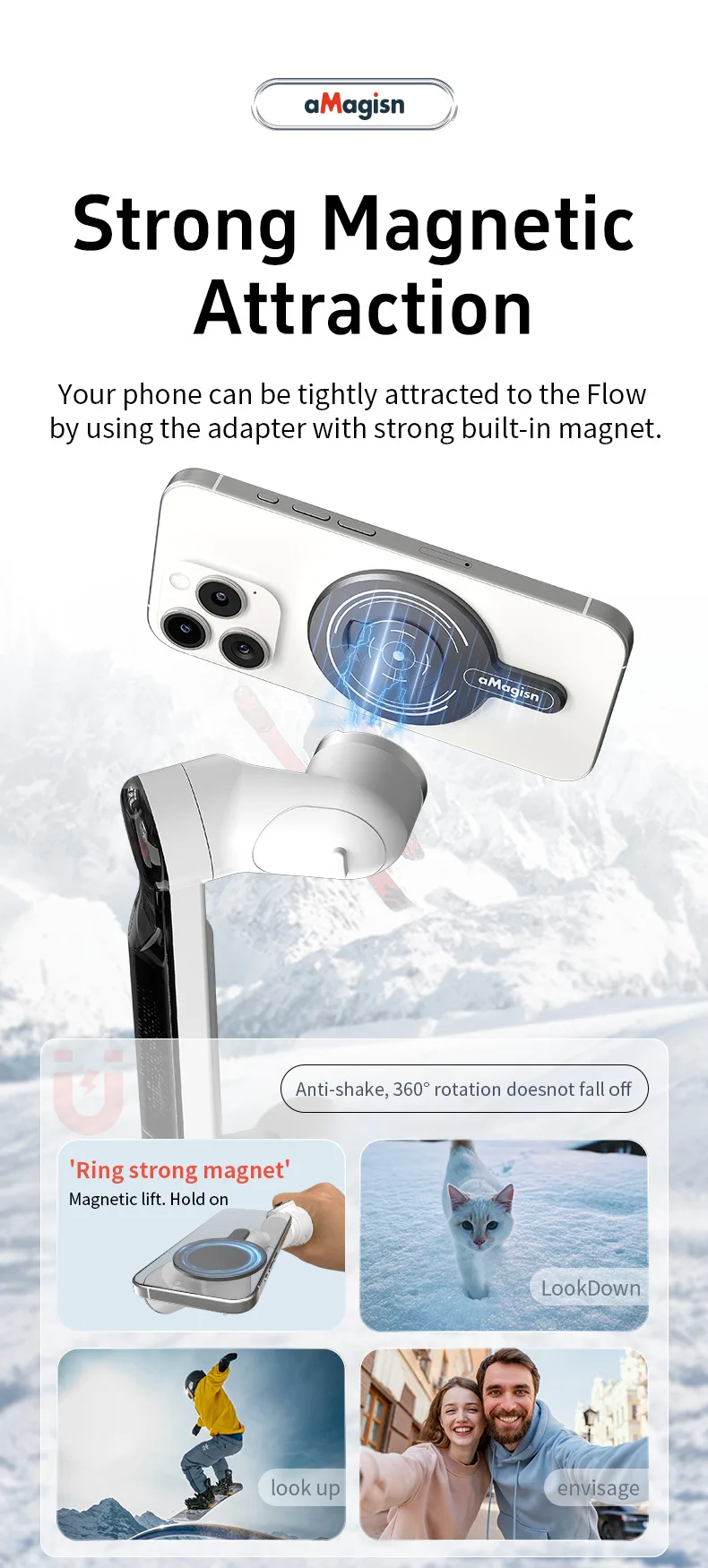
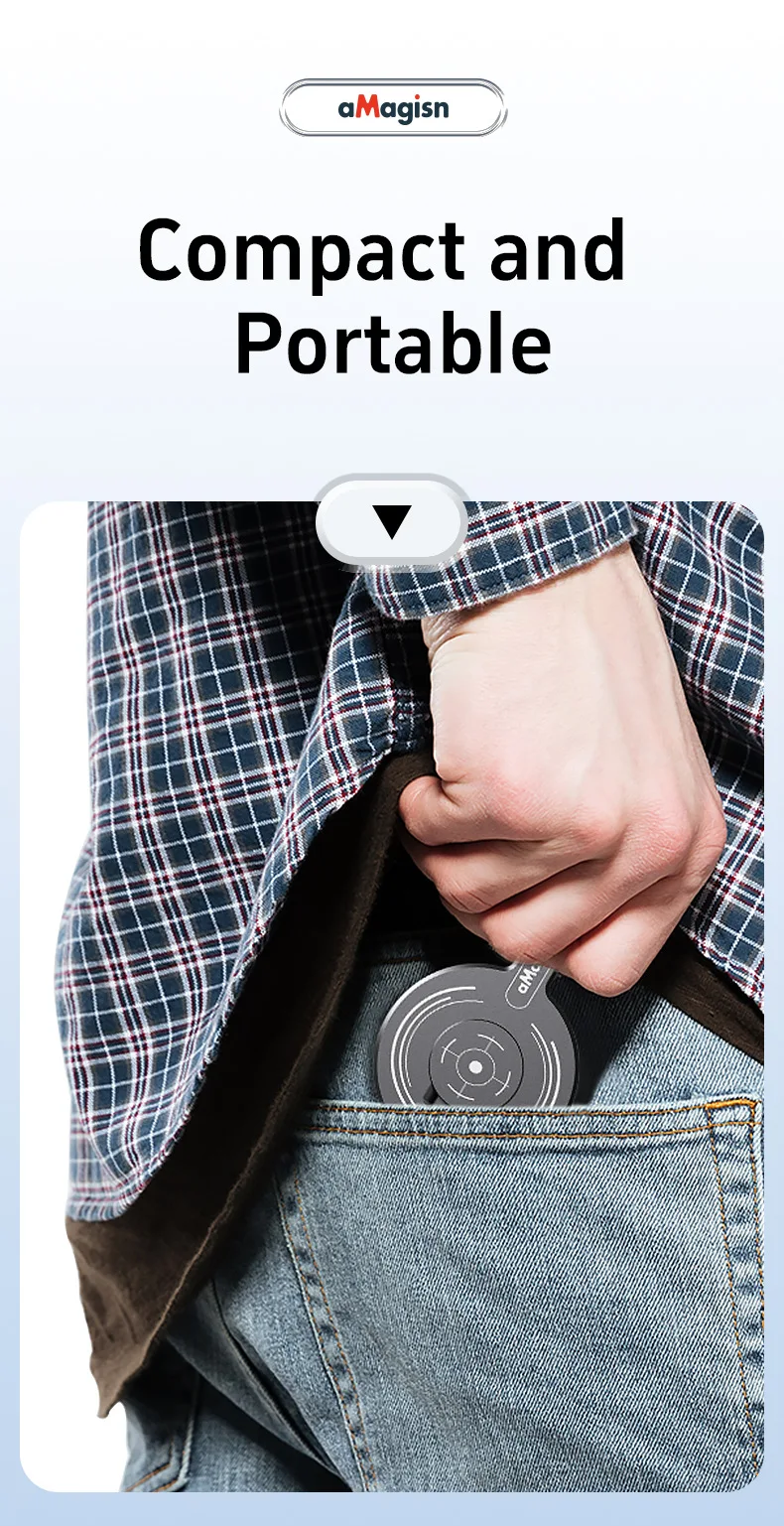
Strong Magnetic Attachment: Features a powerful magnet that securely attaches your phone to In sta360 Flow Pro/ Flow Gimbal Stabilizer without the need for a phone clip.
Compatible with Multiple Devices: Designed to work with almost all the smartphones in the market, compatible with iPhone 15, 14, 13, iPhone 12 Pro Max, iPhone 12, iPhone XR, iPhone XS, iPhone 11, iPhone 7, iPhone X, iPhone 8, Blackberry, Samsung Galaxy S III, iPhone, Samsung, Google, Nokia, Google Pixel and other smart phones
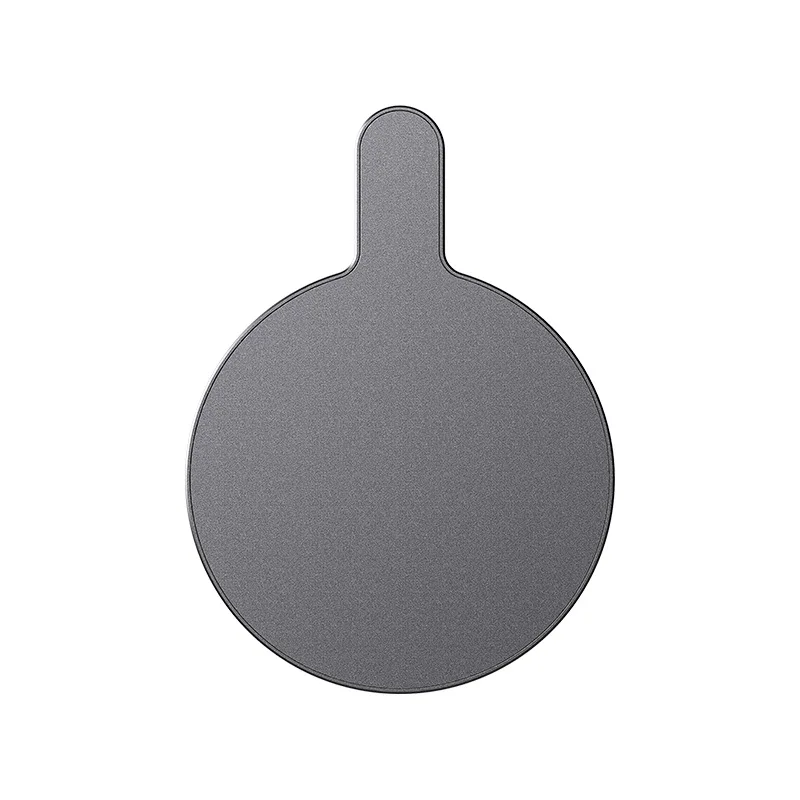
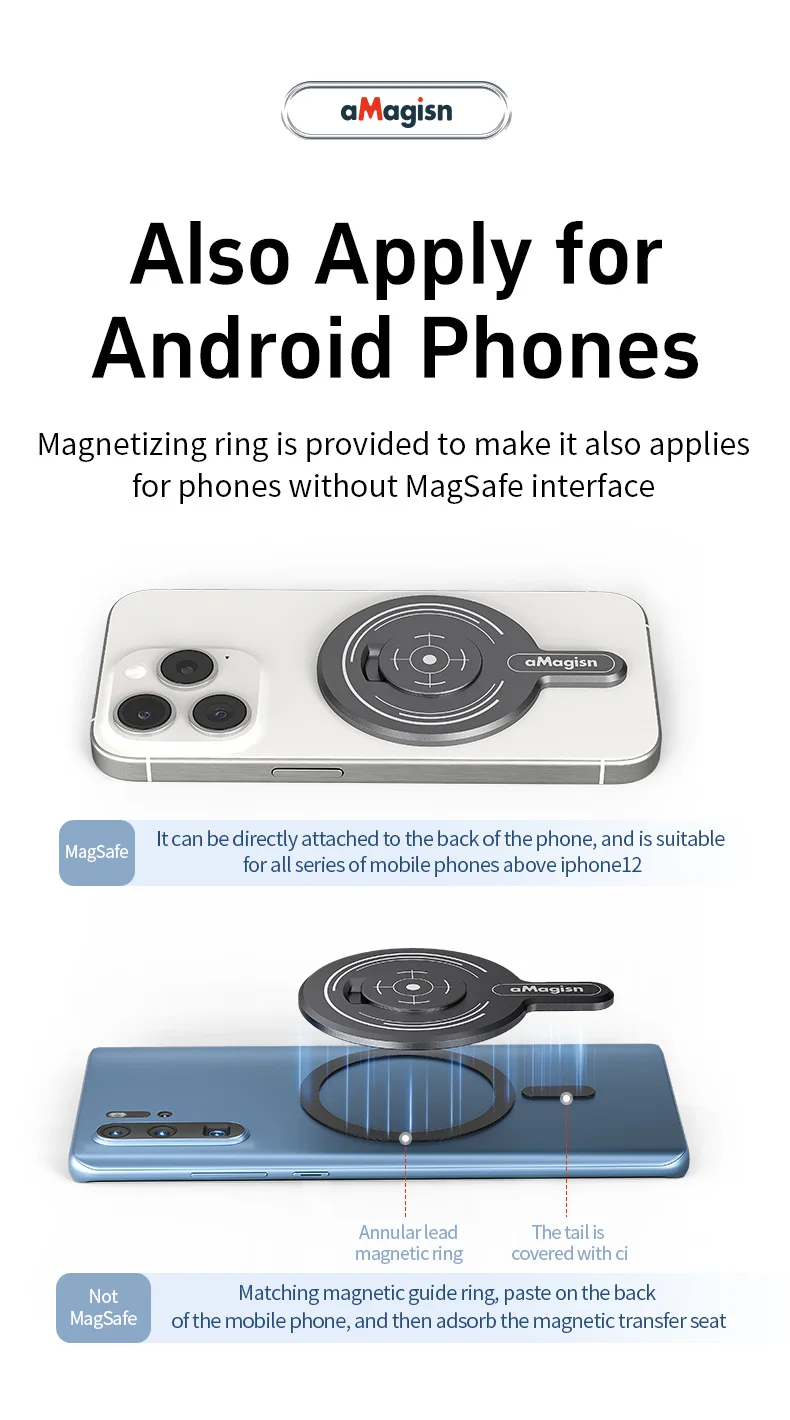
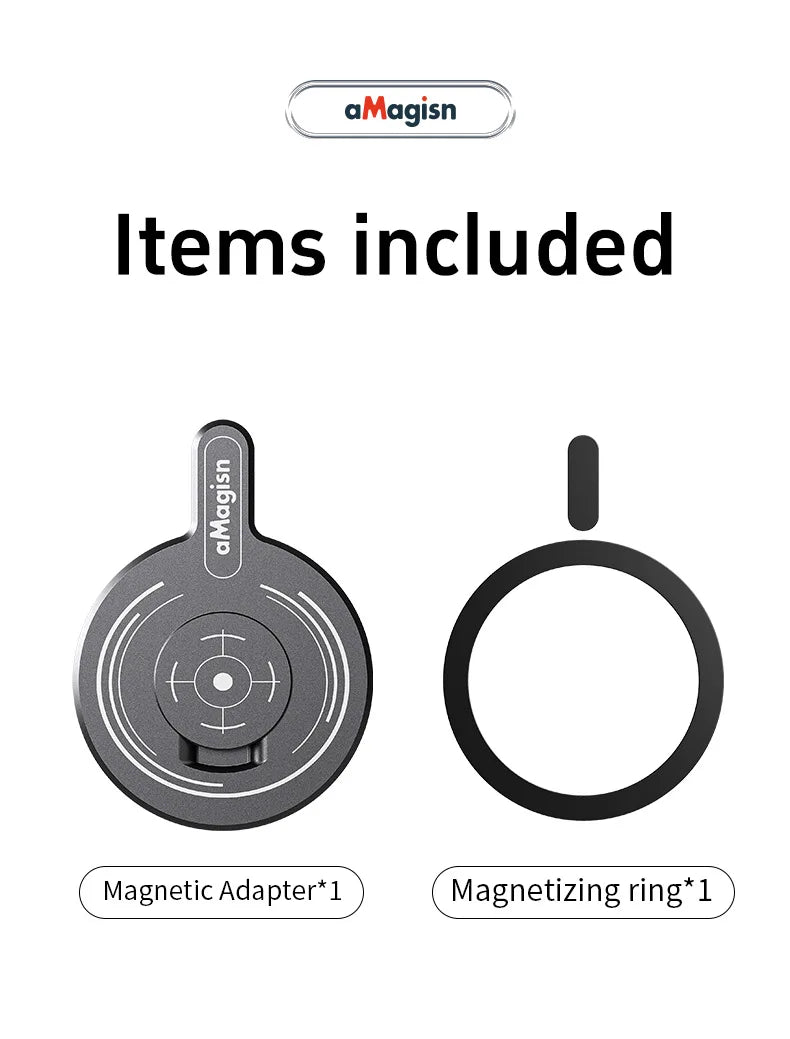
Easy Installation: The package includes a magnet plate and a metal ring, making it simple to attach your phone to the gimbal stabilizer. The metal ring is for the phones without Magsafe. If the phones supports supports Mag Safe wireless charging, you can attach your phone directly to the magnet plate
Stable and Convenient: Provides a stable connection for smooth shooting, enhancing your vlogging and photography experience
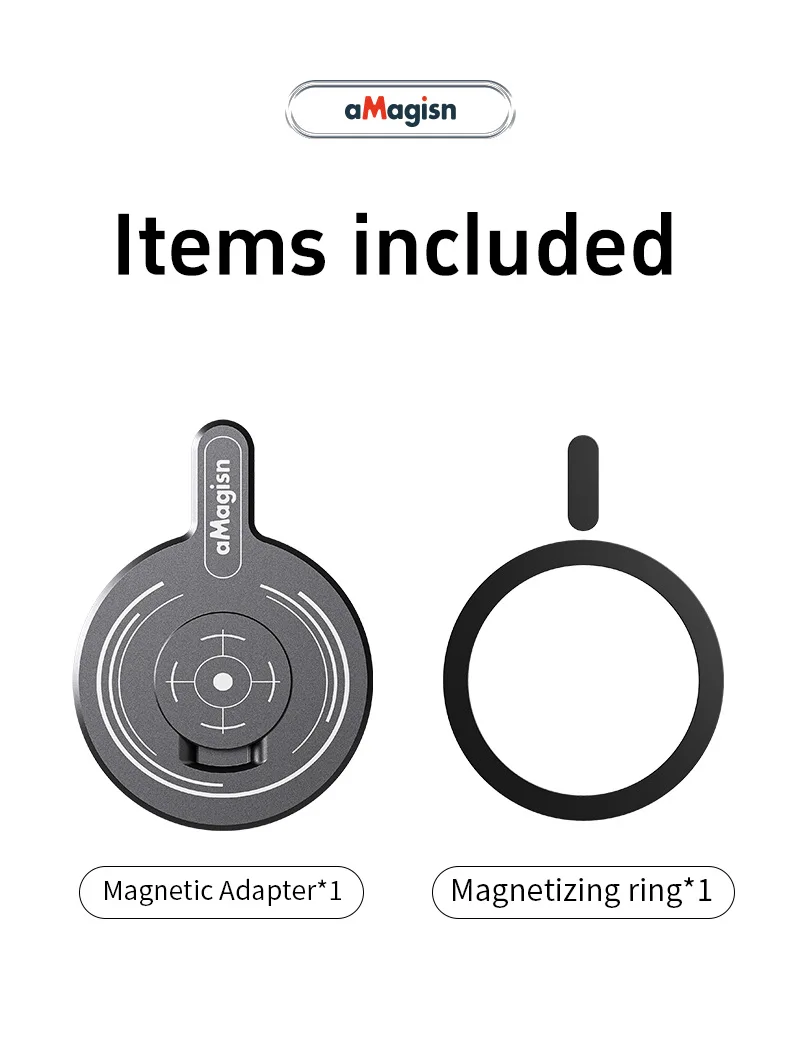
Package includes magnet plate and metal ring
Magnetic Plate and Metal Ring
If Your phone is andriod or iphone 11 or lower version, you need to attach the metal ring to the phone, then it can work with the flow stabilizer.
If you have an iPhone 12 or above, which supports MagSafe wireless charging, you can attach your phone directly to the magnet plate. For iPhone 11 or below or other cell phones, stick the metal ring with the package to the back of your phone and firmly attach it to the gimbal stabilizer.
Note
1.This mount contains magnets. Keep it away from pacemakers and other devices to avoid interference.
2.When using the wireless charging function, remove the Magnetic Phone Mount from the phone.
3.Ensure that the marks on the gimbal are aligned with the Magnetic Phone Mount when attaching. Otherwise, the phone may fall off.
4.It is recommended to use this mount when the gimbal is stationary or when you are moving slowly to ensure the stability of the phone. Do not use it for high-intensity movements, fast-moving or running scenes to avoid the phone from falling off.
5.When using the Magnetic Phone Mount, Flow/Flow Pro is not compatible with the Spotlight.