![[LIZRROT Keyboard] LIZRROT Wireless Keyboard And Mouse | Silent Keyboard Mouse Combo, Full-Sized Colorful Typewriter Keyboard With Round Keycaps, 2.4G Cute Mouse - Compatible With PC/Laptop/Computer(Violet)](http://www.volt75.com/cdn/shop/files/4caca6b2-a0b1-4a19-9bb4-cd568930eee9.jpg?v=1766976637&width=600)


Volt
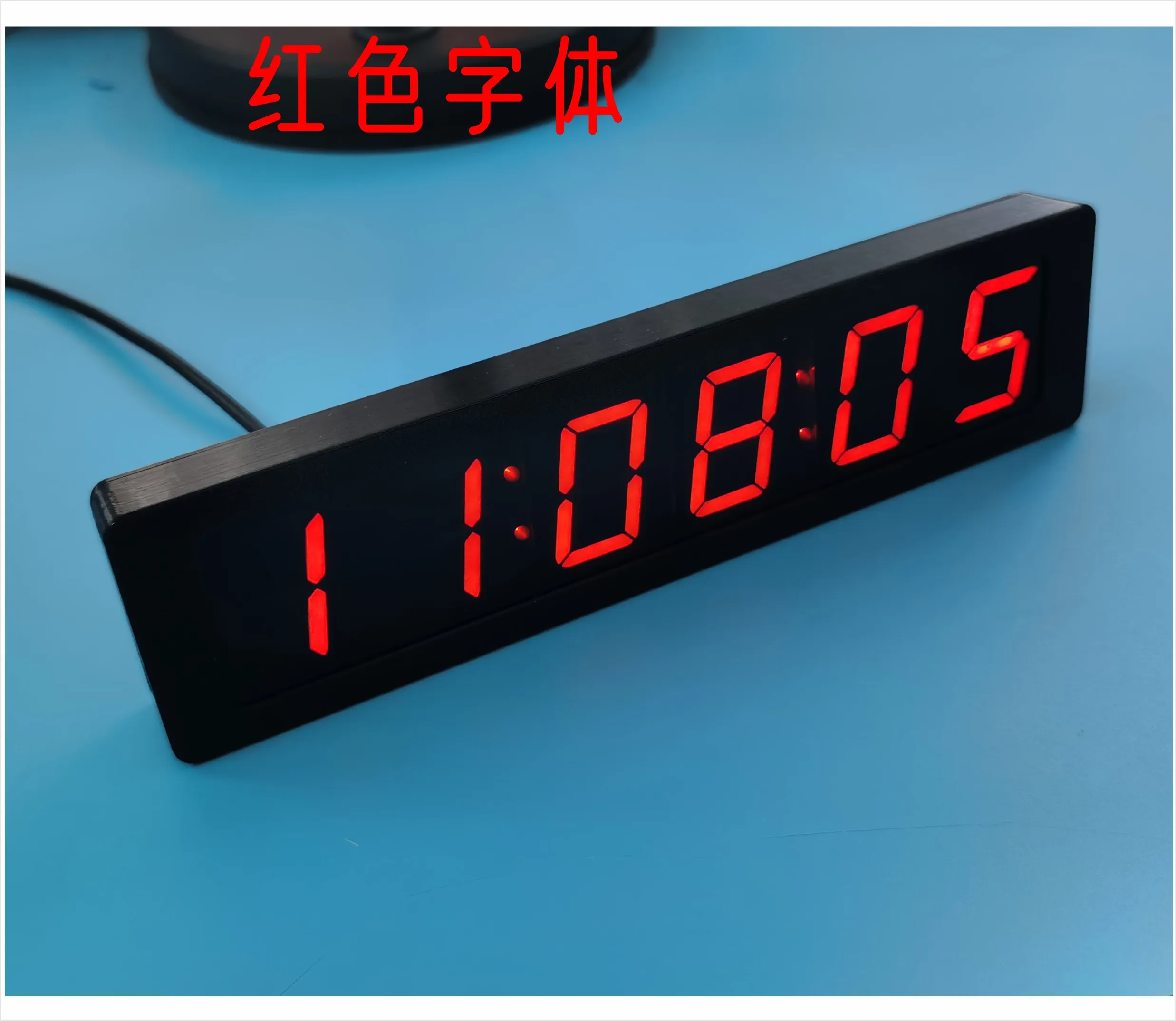
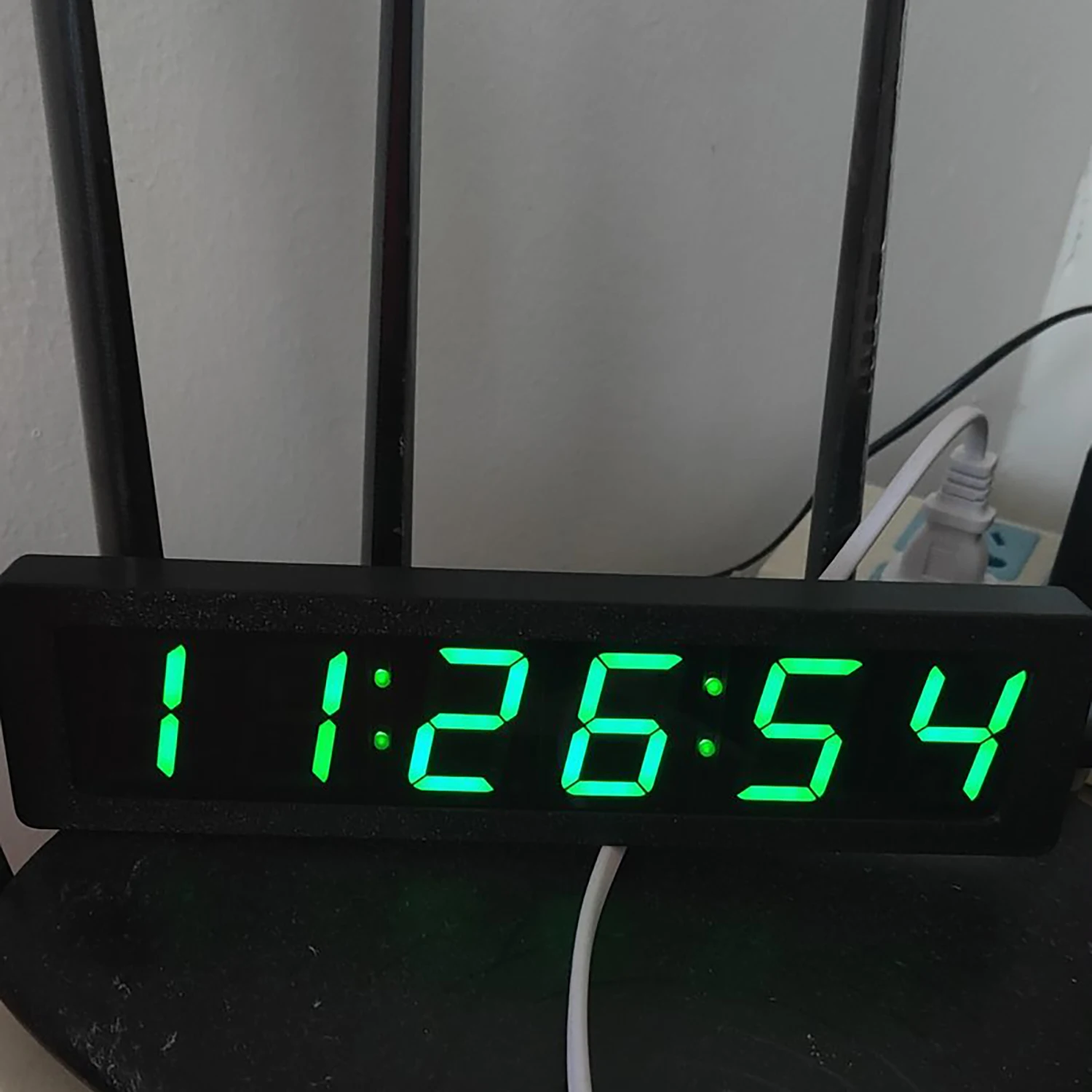
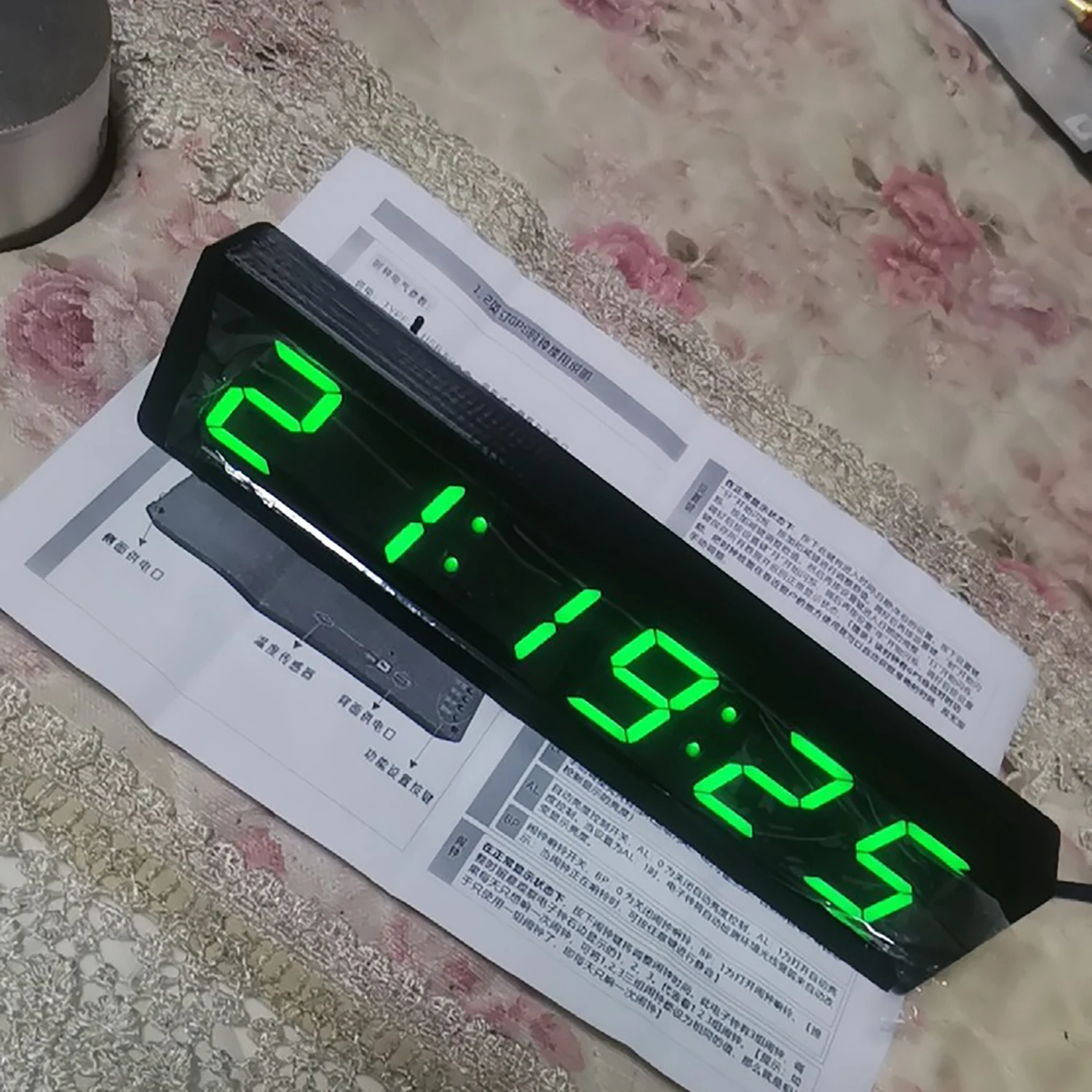
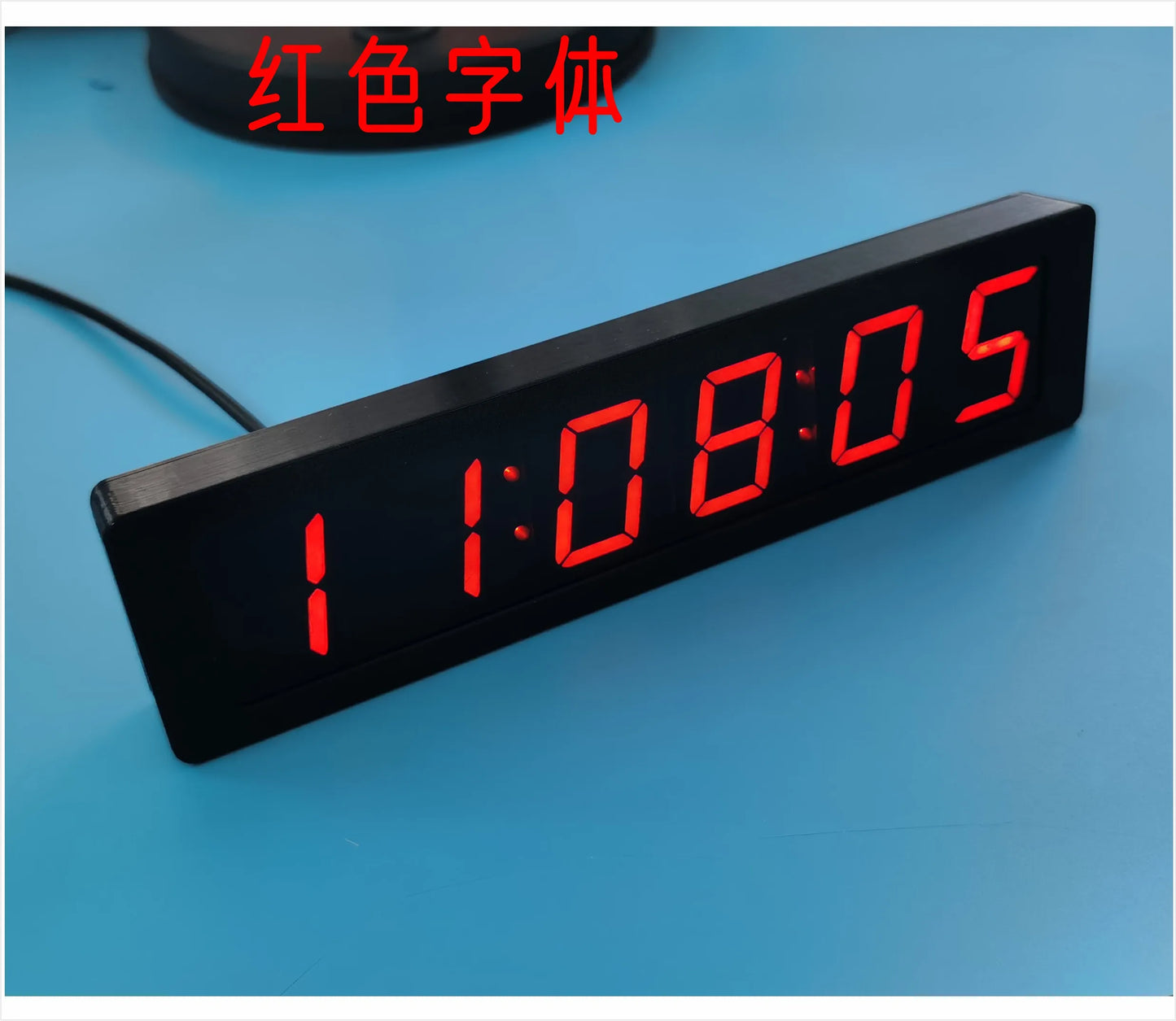
1.2" 6-bit Clock LED Digital Electronic Clock W Second Display TIME Alarm Clock Temperature GPS Beidou Automatic timing Typc-C
1.2" 6-bit Clock LED Digital Electronic Clock W Second Display TIME Alarm Clock Temperature GPS Beidou Automatic timing Typc-C
Couldn't load pickup availability
SPECIFICATIONS
Alarm clock temperature display: GPS Beidou timing
Battery Included: Yes
Brand Name: NONE
Choice: yes
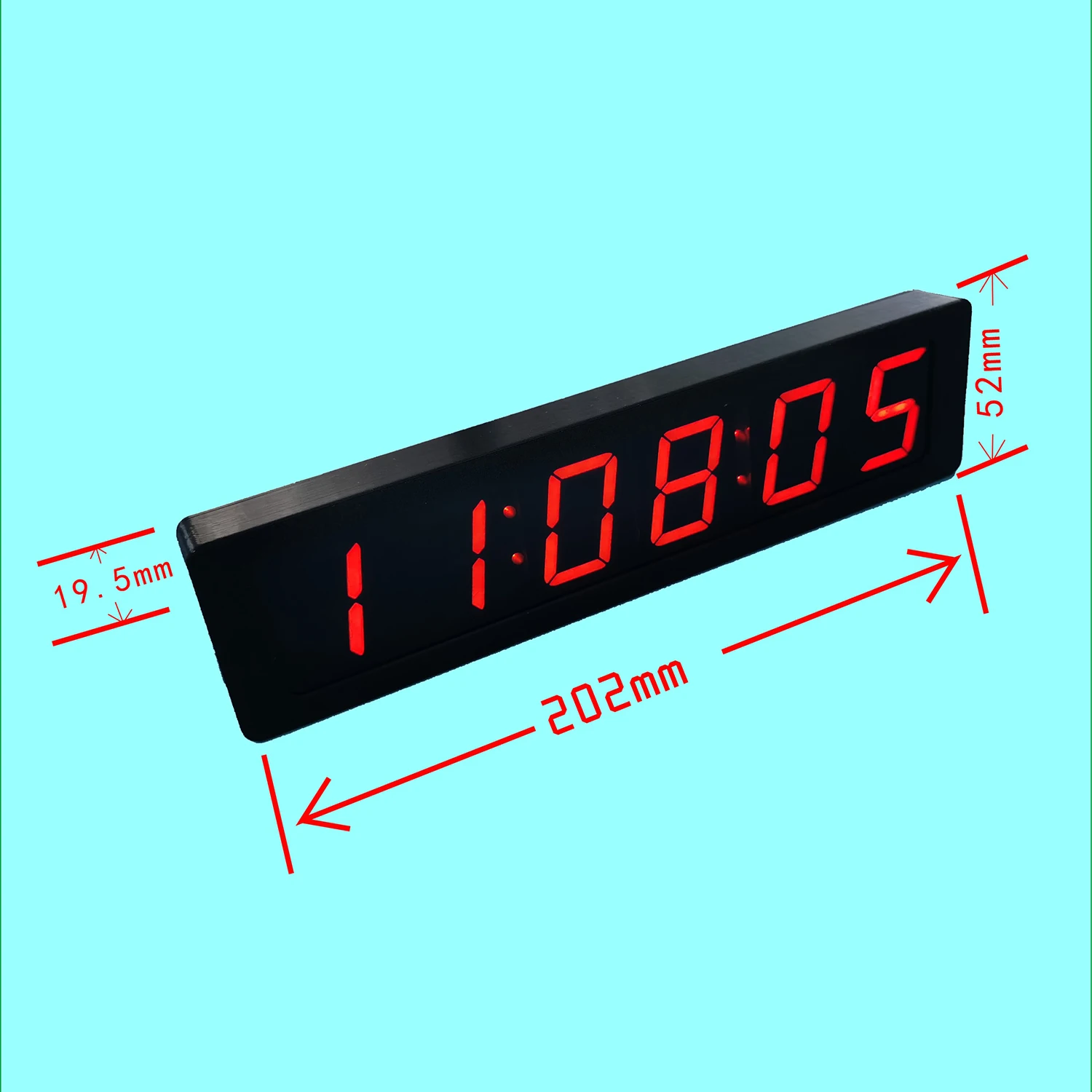
Diameter: 19.5
Display Type: DIGITAL
Feature: Radio,LUMINOVA
Form: Single Face
Function: Auto Dimmable
High-concerned chemical: None
Is Smart Device: Yes
LED Digital Electronic Clock: 6-bit Clock
Length: 202
Material: Plastic
Model Number: LED Digital Electronic Clock
Motivity Type: Digital
Origin: Mainland China
Satellite timing clock: TYPE-C 5V USB
Screen Type: LED
Shape: SQUARE
Type: Alarm Clocks
Weight: 200
Width: 52
semi_Choice: yes
1.2 inch 6-bit Clock LED Digital Electronic Clock W second display Module GPS, Beidou timing power off memory Brightness adjustment dc 5V Satellite timing clock Alarm clock temperature display
Clock electrical parameters:
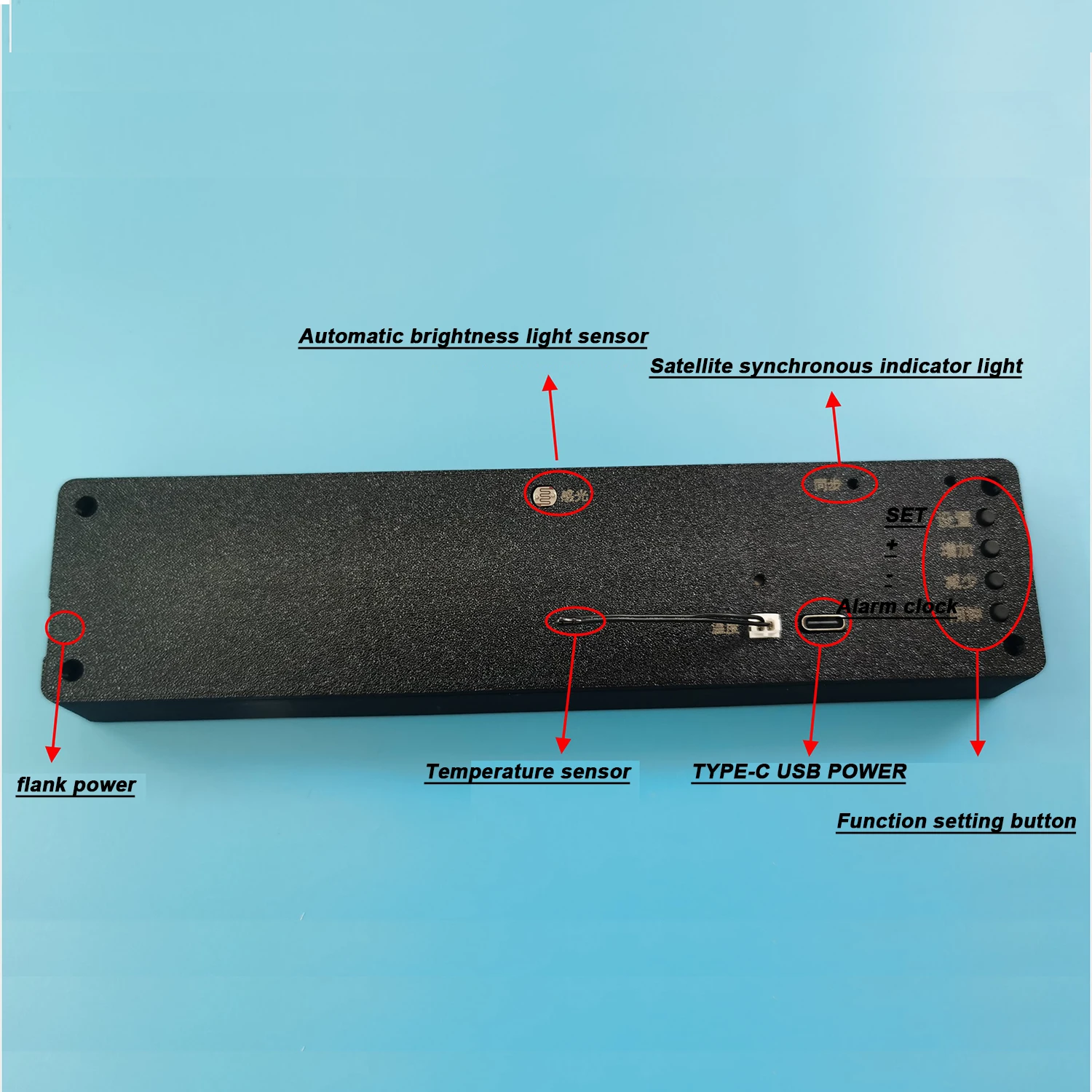
Power supply: TYPE-C USB 5V power supply, back or right side of the power supply port.
Working current :100mA
Product Description:
GPS, Beidou satellite timing home clock. With second display. No manual time setting,
The clock placed near the window (recommended no more than 2 meters away from the window) will automatically receive GPS or Beidou satellite calibration time.
Normal use can maintain the time minute-by-second, long-term accuracy.
The clock has an automatic brightness function, which automatically adjusts the screen brightness according to the ambient light, and is not dazzling at night.
There are time, date, temperature functions, there are 3 alarm clocks.
Tip: There is a memory battery inside the electronic clock,
Setting key: In the normal display state, press this key to enter the time \ date \ year setting. Press the Set key, "score" starts to blink, press the add and subtract keys to adjust the value. After the adjustment, press the Set key, "when" begins to blink, press the add or subtract key to adjust the value. Then press the setting key to enter the date adjustment, "day" began to blink, after the adjustment, press the setting key "month" began to blink, after the adjustment, press the setting "year" began to blink, after the adjustment, press the setting
Key Save all data and return to normal display state. [Tip] The clock has a GPS automatic timing function, and placing the clock near the window can automatically obtain the accurate time without manual adjustment.
Add key: Under the normal display state, press this key to switch the four display states: [Time] → [date] → [temperature] → [Alternate cycle display]. (Note: The display items and switching interval time under the alternating cycle display state can be defined by the "dd" and "dF" parameters, respectively, see the description of "reduction key" for details)
Minus key: In the normal display state, press this key to enter the custom parameter setting, press the "plus key" to change the parameter value, the meaning of the code please refer to the following table.
Ac: Temperature error calibration parameter. The positive number represents the increase, the negative number represents the decrease, the unit is degree, the adjustment range is -5~5. For example, if you feel that the displayed temperature is 1 degree higher than the actual temperature, then set it to Ac:-1, so that the electronic clock is automatically reduced by 1 degree and then displayed. (Note: If you do not have a standard thermometer to refer to, it is recommended to keep this item Ac: 0)
dd: The display item of the custom loop display: [dd: 0] Time + date + temperature [dd: 1] Time + temperature [dd: 2] time + date
dF: indicates the switchover interval, expressed in seconds. The value ranges from 1 to 9. For example, dF: 3 indicates that the switching interval is about 3 seconds.
LL: Display brightness level. The adjustment range is 1 to 9. LL: 1 is the darkest and LL: 9 is the brightest. (Note: Manual brightness adjustment can only take effect when the AL option is AL: 0, otherwise the brightness of the display will be automatically controlled by the electronic clock)
AL: automatic brightness control switch, AL: 0 is to turn off automatic brightness control, AL: 1 is to turn on automatic brightness control. When set to AL: 1, the electronic clock will automatically detect the ambient light intensity to automatically change the display brightness.
BP: alarm bell switch, BP: 0 is to turn off the alarm bell, BP: 1 is to turn on the alarm bell. [Tip: When the alarm is ringing, you can press any key to mute it]
EE: Set the time zone based on the local time zone. Note: This feature only works when the sync light is on
Alarm: In the normal display state, press the alarm button to adjust the alarm time. This electronic clock has 3 sets of alarm clocks. When adjusting, pay attention to 1,2,3 displayed on the right side of the electronic clock. It stands for 1, 2, 3 alarm clocks. [Tip: If you only want to ring the alarm clock once a day, you can set 1,2,3 groups of alarm clocks to the same value, then the discharge has stopped, and the APP does not show the current output
It is equivalent to using only one set of alarm clocks, that is, only one alarm clock a day.