![[LIZRROT Keyboard] LIZRROT Wireless Keyboard And Mouse | Silent Keyboard Mouse Combo, Full-Sized Colorful Typewriter Keyboard With Round Keycaps, 2.4G Cute Mouse - Compatible With PC/Laptop/Computer(Violet)](http://www.volt75.com/cdn/shop/files/4caca6b2-a0b1-4a19-9bb4-cd568930eee9.jpg?v=1766976637&width=600)


Volt
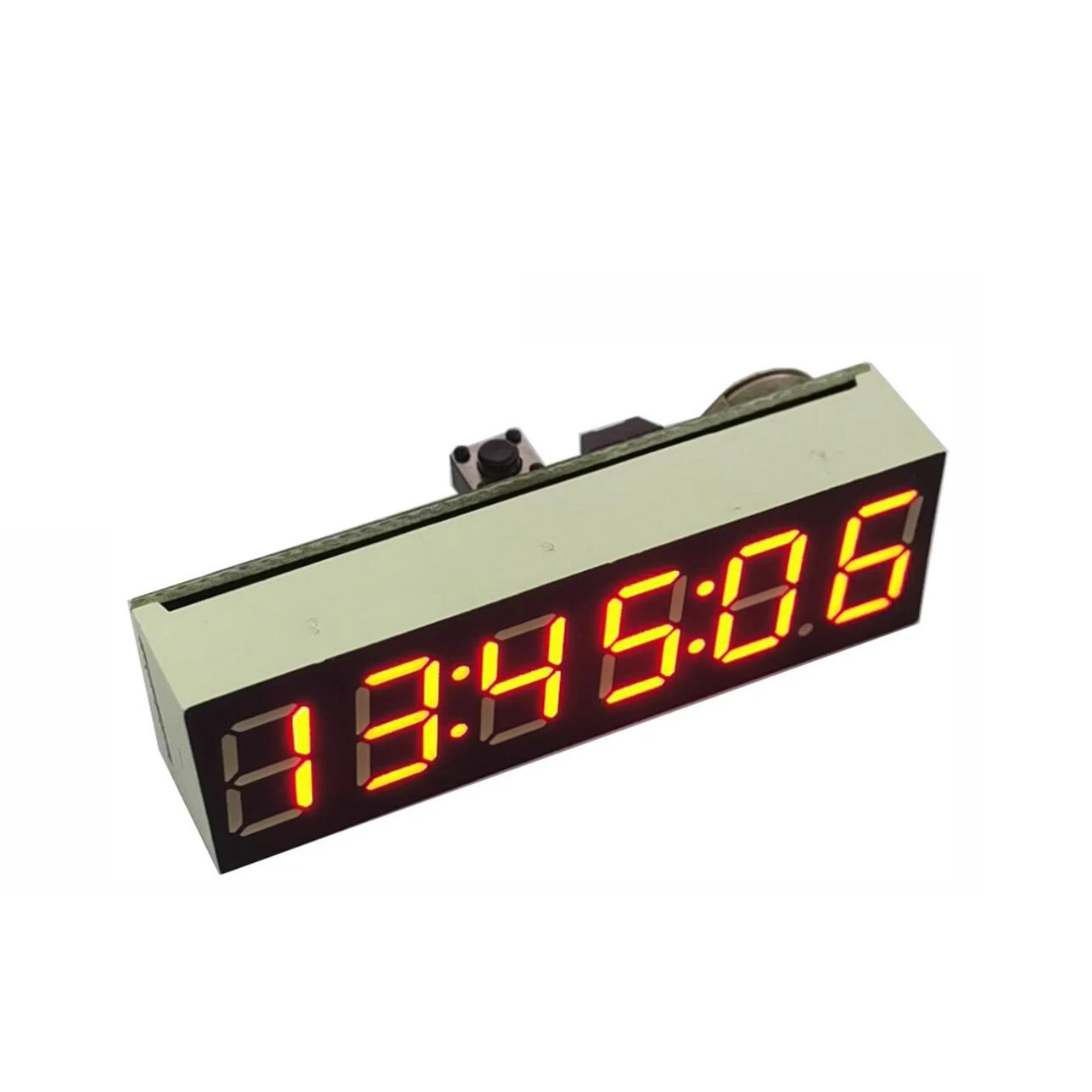
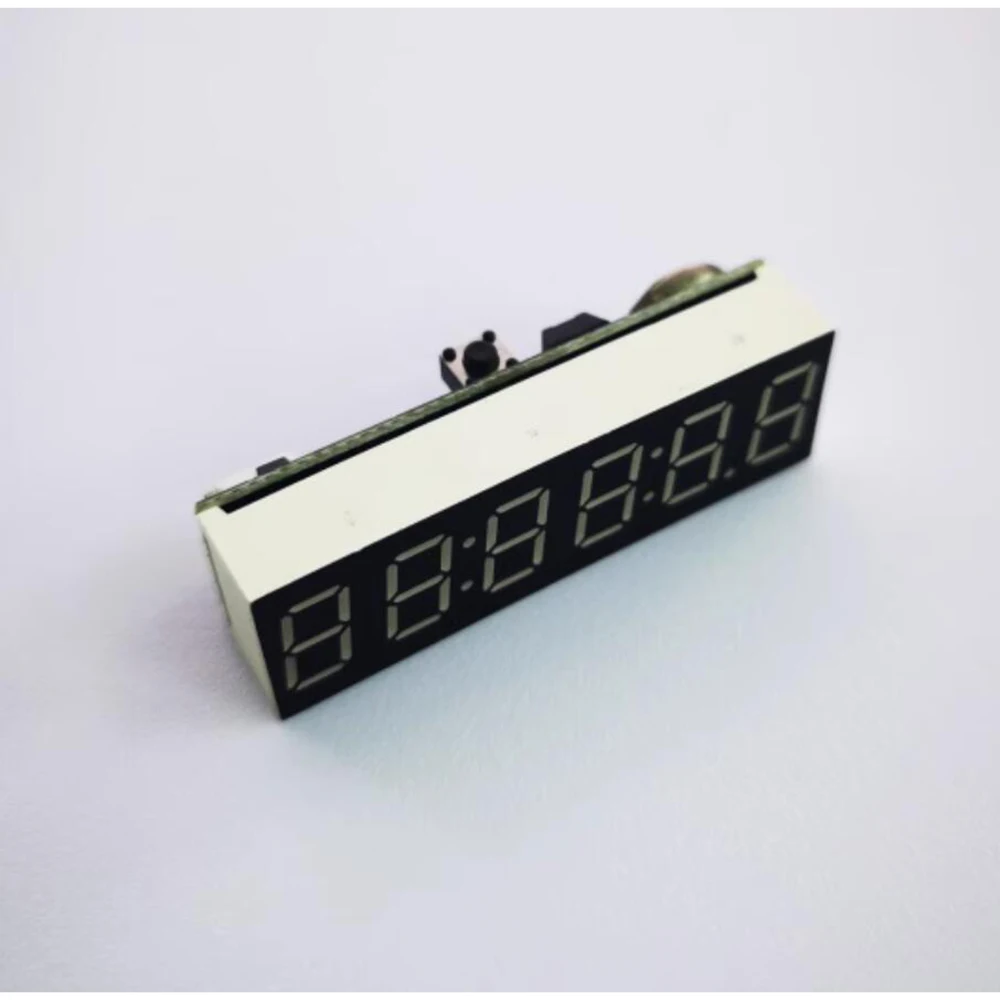
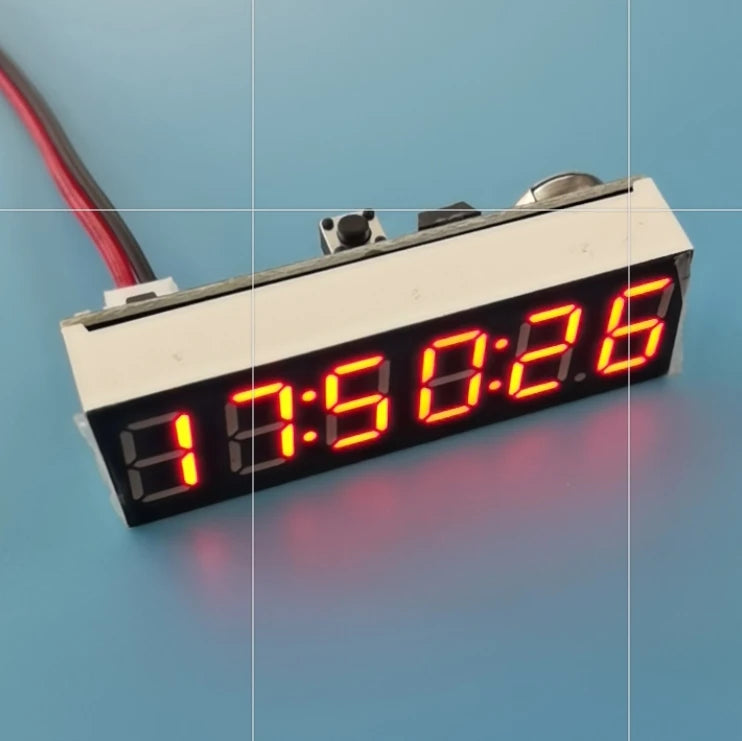
0.36" 6-bit Clock LED Digital Electronic Clock W Second Display Module Power Off Memory Brightness Adjustment Dc 5V 12V
0.36" 6-bit Clock LED Digital Electronic Clock W Second Display Module Power Off Memory Brightness Adjustment Dc 5V 12V
Couldn't load pickup availability
SPECIFICATIONS
0.36 inch 6-bit clock: LED Digital Electronic Clock
6-bit Clock: power off memory
Brand Name: NONE
Certification: None
Choice: yes
DIY Supplies: Electrical
Model Number: 6-bit Clock LED Digital Electronic Clock
Origin: Mainland China
Output Voltage: DC 3V-15V 6-bit Clock
Size: power off memory
Style: Brightness adjustment
Type: 0.36 inch 6-bit clock
semi_Choice: yes
0.36 inch 6-bit W second clock module with power off memory with brightness adjustment
Module parameters:
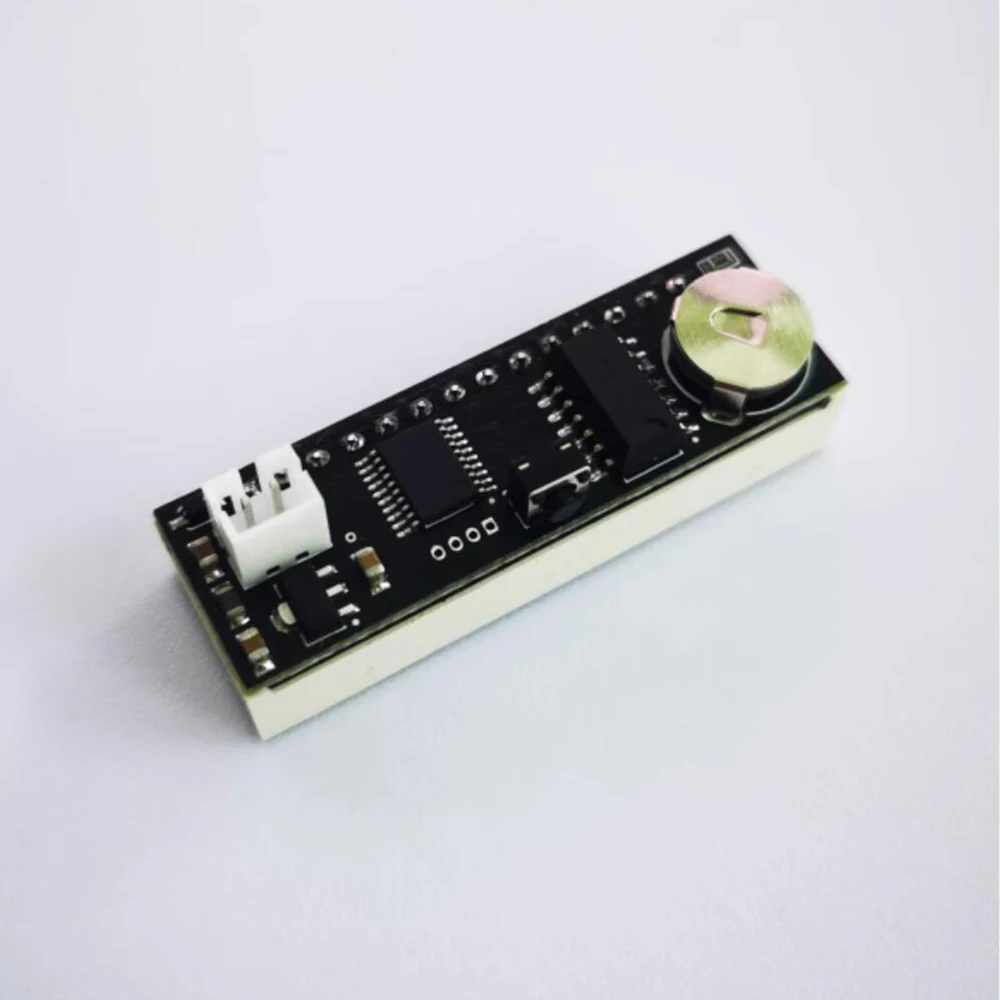
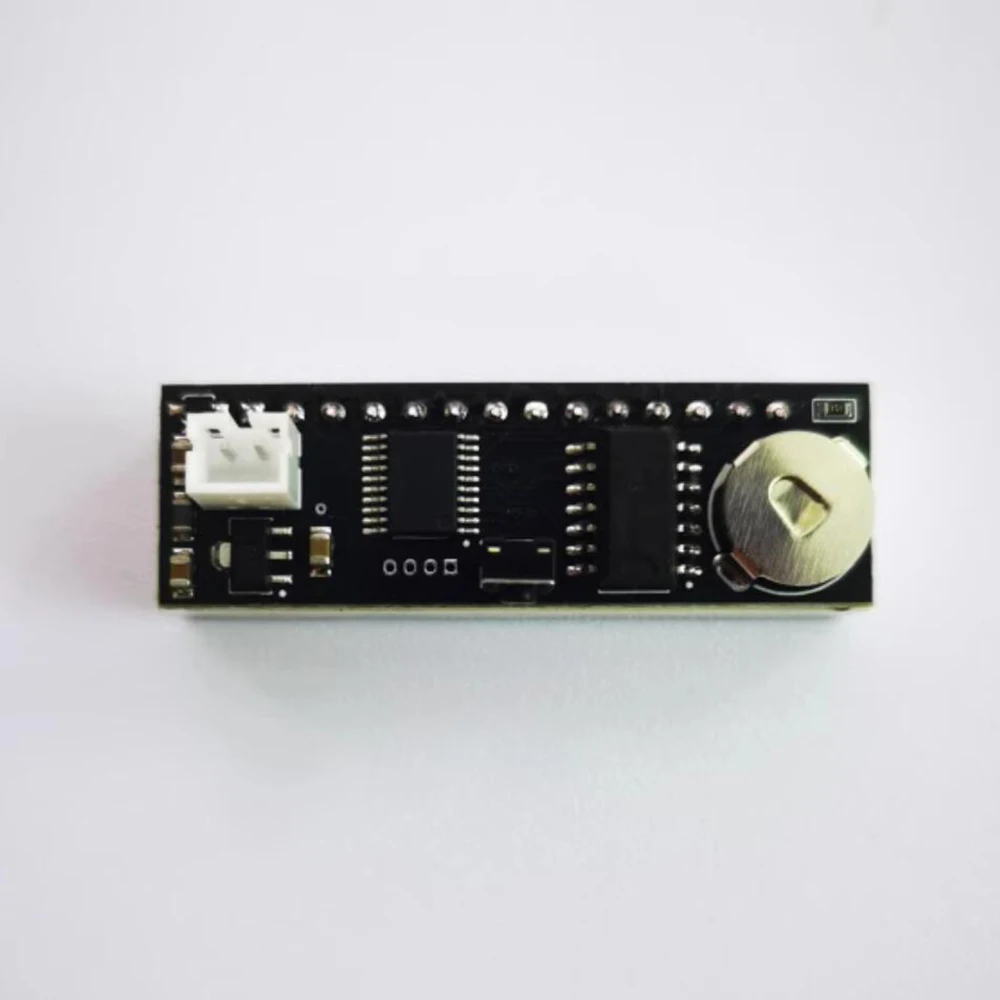
Dimensions: 45 x 14 x 15mm(L x W x D)
Power supply voltage: DC 3.3~15V
Power supply current: 10~20ma
Time display format: 24 hours
[1] Set the time, date and automatic brightness function
In the normal display state, press and hold the setting key at the top for more than 1 second to enter the time adjustment function. When the hour starts to blink, short press the key to change the value, long press the key to enter the minute adjustment, minute blink, short press the key to change the value. After setting for minutes, press the button long to enter the second adjustment, and press the button short to return to zero. After the adjustment, long press the key to enter the adjustment of brightness function, LL: 3 is displayed, short press the key to change the brightness. Then long press the key to enter the automatic brightness function switch setting, display AL: x, short press the key to change the value, AL :0 is off, AL: 1 is on, when AL: 1, the display will automatically change to level 1 brightness after 19:00 in the evening, and automatically change to the brightness value in the Ld setting after 7:00 in the morning. Finally, press and hold the key to save the Settings and exit the Settings.